Overview
You are looking for a report/s from CloudFix that shows the recommended and completed changes along with their dollar value broken down into categories or broken down by company, department, or project.
Information
In order to view a report related to all the historic Recommendations related to your account (along with their statuses), you can follow the below steps:
- Login to CloudFix.
- Go to
Reports > History. - Click
Export. This will download aHistoryReport.csvfile.
For a full CSV export of all recommendations at once, you can also use the Reports > Recommendations Export tab.
You can view the complete savings on the Savings tab where you can filter the results by the below fields (including a Start Date / End Date range) and then download the results accordingly using the Export to CSV button:
- Organizational Units
- Accounts
- Finders
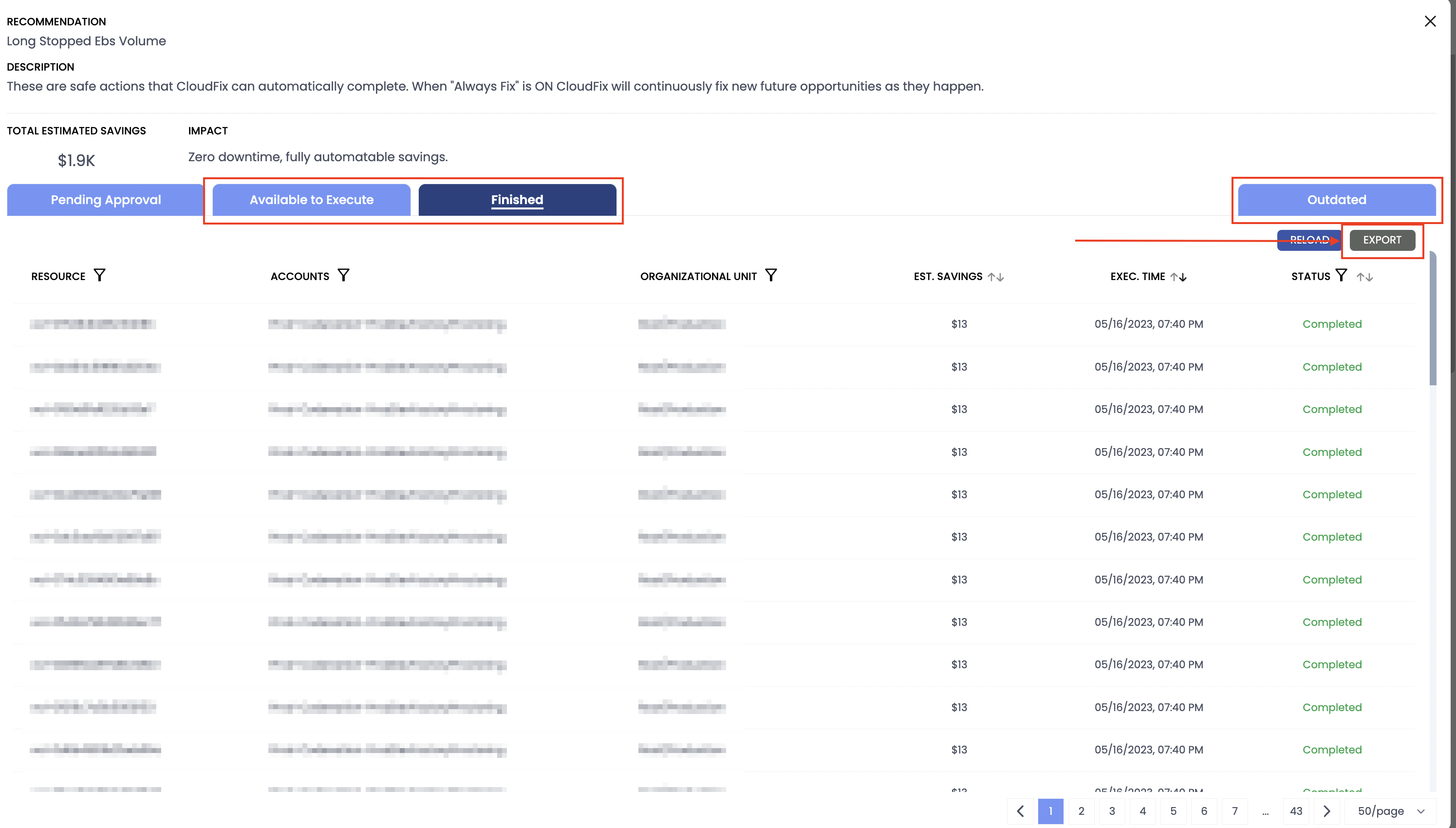
If you want to view the reports related to a particular Fixer, then from the CloudFix Dashboard, you can open up the dialog related to the Fixer and get the respective reports from the Available to Execute, Finished, and Outdated tabs:
Related Article
Priyanka Bhotika
Comments